The home office that does not cost much and still works
The expensive things people buy first are not what change a working day. Heights, light, sound and a second surface do, and three of the four are free.
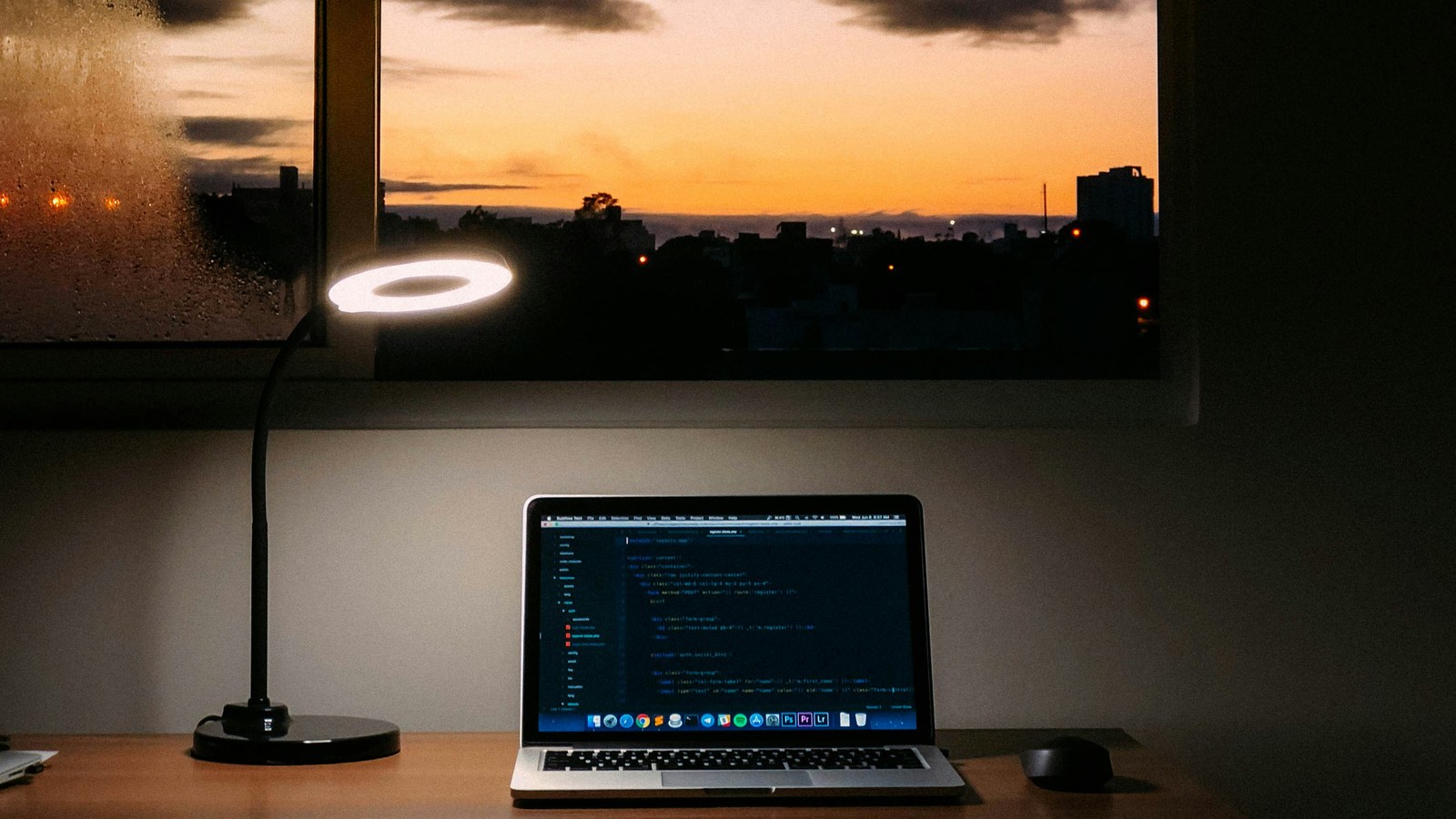
The items people buy first are almost never the ones that change a working day. A larger desk and a bigger monitor are pleasant, and neither fixes the thing that makes six hours feel like nine. The cheapest fix on this list outranks the priciest, and it costs a stack of books.
What affects a day is the relationship between four heights, where the light comes from, how you sound, and whether you have somewhere to put things that is not the surface you type on. The rest is preference.
Fix the heights before you buy anything
Do this once, in whatever chair you own, in this order. Ten minutes.
- Feet flat on the floor, knees roughly level with your hips. If your feet dangle, put a box or a ream of paper under them. If your knees ride high, raise the seat or sit on a folded blanket.
- Forearms roughly parallel to the floor with your hands on the keyboard. Adjust the chair to the table, not the table to the chair, then fix the feet again. Most people set this too high and shrug for eight hours without noticing.
- Top of the screen at or just below eye level. A laptop on a bare table fails this every time, which is why a stand made of books is the highest-value change available to anyone. Raising the laptop means you need a separate keyboard, and that is the one thing worth buying early.
- Screen about an arm's length away. Sit back and reach out. If your fingertips touch it, that is close enough.
None of that is a prescription for a body. Persistent pain is a question for a clinician, not a furniture layout.
A second surface beats a bigger one
Working from one flat surface means the notebook, the phone, the water and the paperwork all compete with your hands. The fix is not more desk. It is a second surface at a different height, reachable without standing: a side table, a shelf, a nightstand, a storage bin lid.
Phone goes there. Notes go there. Anything you look at while typing goes there. The working surface holds the keyboard, the screen and nothing else.
Light comes from in front of you
The most common video problem is a window behind the chair, which turns a person into a silhouette no camera can rescue. Turn ninety degrees so the window is beside or ahead of you.
With no window, put whatever lamp you own in front of you and slightly above eye level, bounced off a wall or ceiling rather than pointed at your face. A lamp you own, moved, beats a ring light you buy.
Overhead ceiling light alone is the next most common problem. It drops shadow where your eyes are and makes everyone look tired.
Sound is what people actually notice
Nobody leaves a call complaining about someone's picture. They leave complaining they could not hear them. A basic wired headset with the microphone near your mouth beats a laptop microphone and most expensive speakers, and it is the cheapest item involved.
Soft things reduce echo: a rug, a curtain, a coat on the door, a bookshelf behind you. Bare walls and a hard floor make a small room sound like a stairwell.
The order that matters
If you only do four things: raise the screen to eye level on a stack of books, add a separate keyboard, move a lamp in front of you, use a wired headset. That fixes posture, light and sound for roughly what a week of commuting costs, and it works in a bedroom corner as well as a spare room.
What does not matter as much as advertised
A standing desk is a preference, not an upgrade, and a converter on a wobbly table is worse than sitting well. A second monitor helps if your work is two documents side by side. Cable management and plants change how the room photographs, not how the day goes.
The one exception is a chair that cannot be adjusted at all. It does not have to be an office chair: a dining chair at the right height with a cushion behind the lower back does the job.
The cheapest item on this list changes the most days. Move the lamp before you buy the desk.
What an employer may supply, and how to ask
Plenty of employers have an equipment budget, a stipend, a catalog, or a pile of spare monitors nobody logged. The mistake is asking for money. Ask what exists.
"Is there a standard equipment setup or a home office allowance for this role? If there is a catalog or a list of what people usually get, could you send it over? What I would most use is a separate keyboard, a headset and a monitor stand."
Three specific, unglamorous items get approved far more often than an open request. Send it to your manager or whoever handles equipment. If the answer is that you buy it and claim it back, ask in the same thread what documentation that needs, before spending anything.
The two bills that are not yours to guess at
Whether an employer has to reimburse you for equipment or internet depends on the state. A handful have rules on necessary business expenses that most do not, and where one applies, the route is a written request to payroll before it is anything more formal.
Deducting home office costs on a personal return is the other one, and it is for a tax professional. The rules differ for employees and contractors.
General information about work in the United States, not legal, tax, immigration, medical or financial advice. Pay, hours, leave and licensing rules differ by state, by city and by contract, and change over time. Check anything here against your own documents and, for anything you would act on, take advice from a qualified professional in your state. Get in touch with any questions about this post.